
Templates vs page builders: why we don't use drag and drop
Drag-and-drop builders look easy, until your site gets slow, messy and hard to change. Why we build from solid templates instead, and what that means for you.
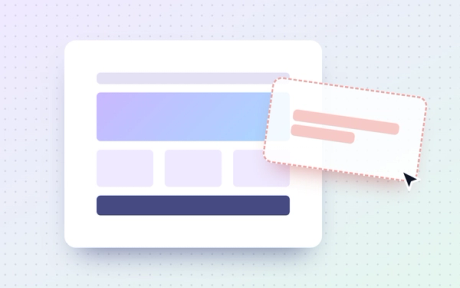
Drag-and-drop page builders look like the easy option. For the first week, they often are.
You pick a block, drop it on the page, change the colour, and there’s your website. We get the appeal.
But a website isn’t a one-off build. It needs to load quickly, stay tidy and be easy to change for years. That’s where page builders start to wobble, and it’s why we build from solid templates instead.
First, what do we mean?
A page builder is a tool that lets you design a page by dragging boxes, text and pictures around on screen. Lots of website platforms have one built in, and there are plenty of add-ons that bring one to WordPress.
A template, the way we use the word, is a page layout we design and build in code once, properly. Your words and pictures then slot into it through a simple editor. You change the content. The template keeps everything looking right.
Think of it like a well-built house. You can move the furniture, paint the walls and hang new pictures whenever you like. You just can’t accidentally knock out the wall holding up the roof.
Where page builders go wrong
This isn’t about page builders being bad tools. They solve a real problem. But they come with trade-offs that tend to show up later.
- They get slow. To let you drag anything anywhere, builders add a lot of extra code to every page. Your visitors have to download all of it, even the bits they never see.
- They get messy. After a few rounds of edits, pages drift. Slightly different fonts, odd gaps, a button that’s not quite the right purple.
- They’re hard to leave. Your content is often tangled up with the builder, so moving later can mean starting again.
- Small jobs get fiddly. Changing one thing across the whole site can mean changing it on every page, by hand.
- They lose their flow. A block added here, a section copied there, and the page drifts away from its design.
Why we build from templates
We build our sites with Astro, a modern tool that turns your pages into plain, light files that load quickly. Your content lives in a friendly editor (Sanity is our favourite), so you can update words and pictures without touching any code.
The design lives in the templates. Once a blog post layout or a service page is built, every new page made from it looks right straight away. Same fonts, same spacing, same colours.
You change the words. The template keeps everything looking like you.
What that means for you:
- A faster site. Less extra code means pages load quicker, which visitors and search engines both like.
- A site that stays on brand. You can’t break the design by accident, however busy your week has been.
- A site for everyone. Headings, links and buttons are built properly once, in the template, so every page works with screen readers, keyboards and larger text.
- Easier updates. Adding a post or swapping a photo takes minutes, not an afternoon of nudging boxes.
- Room to grow. When you need something new, we design it as a new template, so it fits with everything else.

“But I want to be able to change things”
Fair enough. It’s your site, and you should be able to keep it up to date.
You’ll still be able to edit your words, photos, blog posts and anything else that changes often. What you won’t be doing is redesigning the layout every time you add a post. That’s on purpose.
And if you need a new kind of page, a new section or something nobody thought of at the start, just ask. That’s what we’re here for, and it’s how a good site keeps growing.
When a page builder is fine
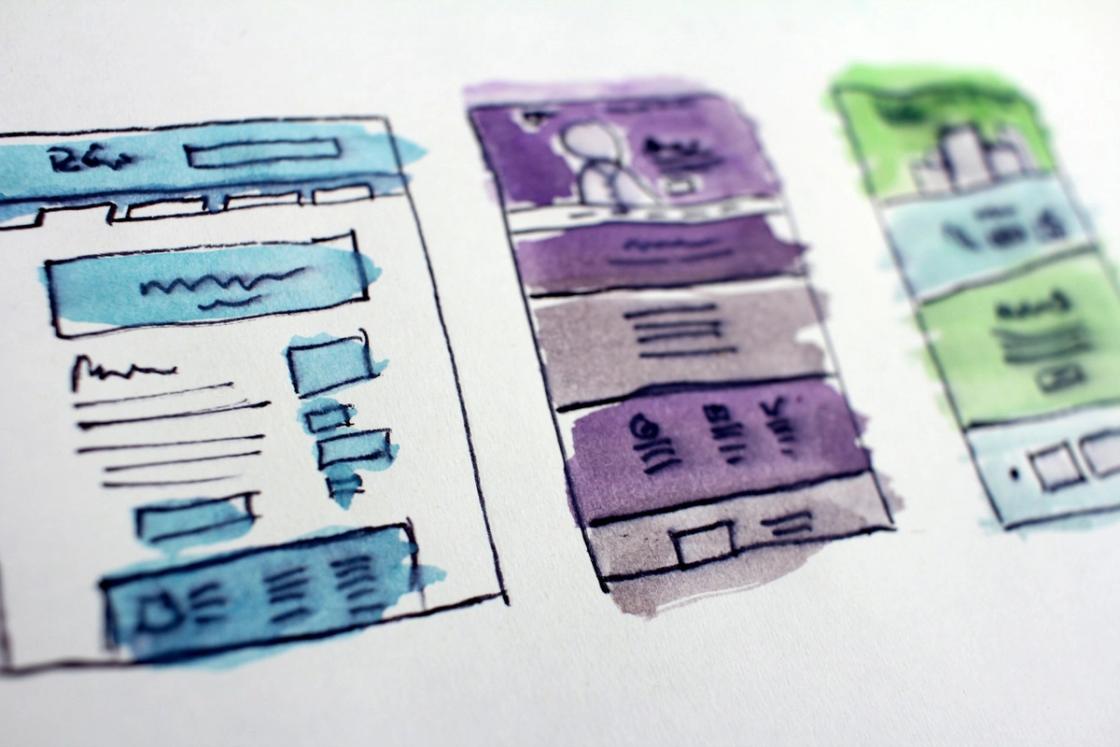
We’re not here to tell anyone off. If you’re testing an idea over a weekend, or you need a simple one-page site up by Friday, a page builder can be a perfectly good choice.
It’s when your site becomes part of how your business runs, and it needs to be fast, easy to find on Google and easy to look after, that a solid template really earns its keep.
Questions to ask whoever builds your site
- How will I update my content day to day?
- What happens to the design when I add a new page?
- How quickly does the site load on a phone?
- If I ever want to move, can I take my content with me?
The answers will tell you a lot about how your site will feel in a year or two, not just on launch day.
If you’ve got a page builder site that’s started to feel slow or messy, we’d be glad to have a look and chat through your options. Just say hello.

Emma started Stay Creative to keep doing the work she loves, with people who love what they do. She designs much of what you see here and enjoys helping businesses grow through creative design, clever UX and fresh thinking. She's passionate about new web technologies, SEO and AI, always looking for better ways to bring ideas to life online.
More from Emma